CS2 Trust Factor: What Valve Says It Is and How to Improve It
What Trust Factor does in CS2 matchmaking, why you can't check it, what Valve confirms counts (a phone number and your CS2 rank) and the only advice Valve gives to improve it.
Updated
Trust Factor is how CS2 decides who you get matched with, apart from skill. Valve keeps most of it secret on purpose, so most "trust factor tips" online are guesses. This guide sticks to what Valve itself says in its Trust Factor FAQ.
What Trust Factor is
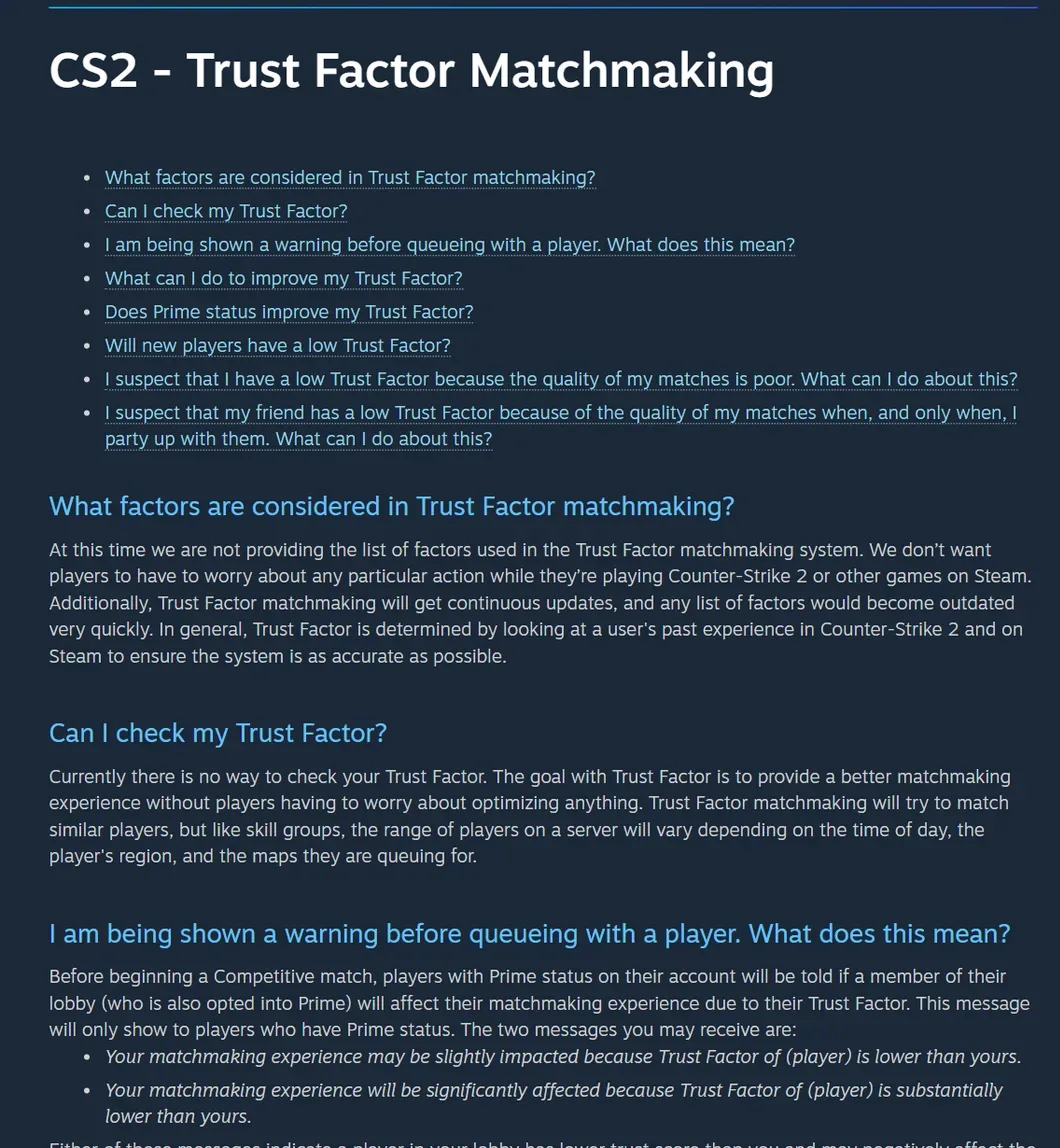
Trust Factor matchmaking tries to put you in games with players who have a similar Trust Factor, so players who are trusted end up together. Valve says it is worked out from "a user's past experience in Counter-Strike 2 and on Steam". Like skill groups, how close the match is depends on the time of day, your region and the maps you queue for.
Can you check your Trust Factor?
No. Valve says there is currently no way to check it, on purpose: the goal is better matches "without players having to worry about optimizing anything". Any site or tool that claims to show your exact Trust Factor is guessing.
The only hint you get is a warning before a Competitive match. If you have Prime and someone in your lobby (also with Prime) has a lower Trust Factor than you, CS2 tells you your matchmaking "may be slightly impacted" or "will be significantly affected". In a party, Valve uses the lowest Trust Factor in the party for matchmaking, so one low-trust friend pulls the whole group down.
What counts
Valve doesn't publish the list, because the system keeps changing and it doesn't want players worrying about any single action. It does confirm two things:
- Phone number and Prime. Valve says phone numbers are among the factors, so linking a phone number to your Steam account for Prime improves your matchmaking.
- Your CS2 rank. Also named by Valve as one of the factors.
Everything else (hours played, reports, Steam level, other games) is not confirmed by Valve. Valve does say it looks at your history on Steam, not just in CS2, so a long, clean Steam account helps. That's also why new players don't necessarily start low.
How to improve it
Valve's only advice: keep playing CS2 and other Steam games legitimately and be "a positive member" of the CS2 and Steam community. The more you play, the more the system knows about you and the better it can match you. If you haven't linked a phone number to your Steam account, doing that is the one concrete step Valve recommends.
If you think your matches are bad because of Trust Factor (yours, or a friend's you queue with), Valve asks you to email its CS2 team with the subject "Trust Factor Feedback", a description of what happens and your Steam ID. The address is on Valve's FAQ.
Do skin gambling sites affect Trust Factor?
Valve doesn't say that trading or using third-party skin sites changes Trust Factor, and it isn't in the factors it names. What does matter for your account is keeping it safe: only sign in to Steam on steamcommunity.com, and never give a site your Steam password or API key. Our guide to safe CS2 sites covers what we check.
Set up the rest
While you're here: copy a pro's crosshair with our crosshair codes tool, see how CS2 ranks work, and if you're coming from Valorant, convert your Valorant sens to CS2.
Sources
- CS2 - Trust Factor Matchmaking · Steam Support
- CS2 - Prime Status and Free to Play · Steam Support