CS2 Investment Tracker
This is an example portfolio. The buy prices are made up to show how it works; today's values are real. For example: 2 AK-47 Redlines bought at $20.00 each cost $40.00; at today's lowest listing they're worth $46.68, so the ROI is +16.7% before selling fees.
- Market value
- $138.1123 items
- Cost
- $135.00what you paid
- Profit / loss
- $3.11before selling fees
- ROI
- +2.3%after fees +0.3%
Prices as of 14 Nov 2026, 05:00 UTC, refreshed daily
Market value: the lowest listing for each item across the marketplaces we track, what it would cost to buy them again today. The Steam Market and the China-only sites are left out, as in the price checker and trade-up calculator.
Sold today at the best cash payout for each item, this portfolio would bring about $135.37, $2.74 less than its market value: that's what selling fees take.
Add an item
Import your Steam inventory
Paste your Steam profile link, custom URL name or 17-digit SteamID64. Your inventory has to be public: in Steam, open your profile, Edit Profile, Privacy Settings, and set Inventory to Public (open privacy settings). Steam doesn't say what you paid, so you fill in buy prices after the import.
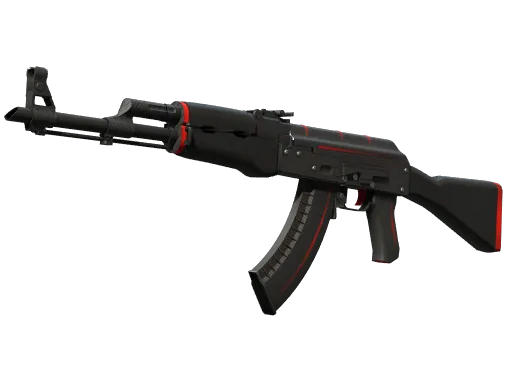 2x AK-47 | Redline (Field-Tested)paid $20.00 each · now $23.34 each on CS.MONEY Market$46.68$6.68 (+16.7%)
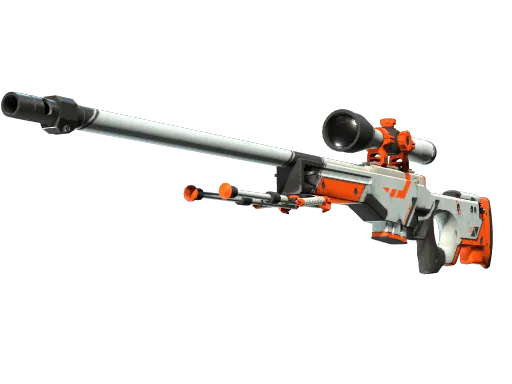 AWP | Asiimov (Field-Tested)paid $90.00 each · now $90.03 each on CSFloat$90.03$0.03 (+0.0%)
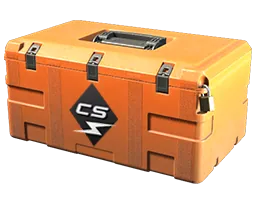 20x Kilowatt Casepaid $0.25 each · now $0.07 each on Market.CSGO$1.40-$3.60 (-72.0%)
Value over time
Your own chart starts the day you add your first item: the tracker saves one point a day each time you open it.
Saved in this browser only: we never see your portfolio. Clearing site data or switching device loses it, so download a backup now and then. Restore it on another device to carry on there.
How to use it
- Search a skin or case, pick the version and enter the quantity, what you paid each and the date.
- Or paste your Steam profile link to import your inventory, then fill in the buy prices in one table.
- Read your market value, cost, profit and ROI at the top.
- Switch to "If you sell (after fees)" to see the value after marketplace fees.
- Sold something? Open Edit on the item and use Mark as sold, so the profit stays in your record.
- Open the tracker now and then: it saves one value point a day and draws the chart.
- Use Download backup to save your portfolio as a file, and Restore backup to load it on another device.
How the values are worked out
Market value is the lowest listing for each item across the marketplaces we track, times how many you have. That is what it would cost to buy the same items again today, so it's the usual number portfolio trackers show. The Steam Market and the China-only sites are left out, as in the price checker's Cheapest to buy.
If you sell (after fees) is lower: for each item we take the marketplace where you'd keep the most after its fee, if it sold at the cheapest price on any cash marketplace (buyers compare sites, so that is the price that sells). Instant-sell sites and trade bots usually take a bigger cut than listings, and the Steam Market is left out because it pays in Steam Wallet funds you can't withdraw. Compare every site's fees on our CS2 marketplace fees page.
Profit and ROI count only items with a buy price: value minus what you paid, and that divided by what you paid. Both are estimates. A real sale can land above or below the lowest listing, depending on the float, pattern, stickers and how quickly you want to sell.
Value over time
We don't have a price history for every single skin yet, so the chart is built from your own visits: each day you open the tracker, it saves your portfolio's value and cost in your browser. Once there are two days, it also shows how the whole CS2 skin market cap moved over the same days, so you can see whether your picks beat the market.
Ready to sell or buy?
Check one item on every marketplace with the CS2 price checker, and compare fees, payout methods and trade protection in our CS2 trading sites ranking before you pick one.
Sources: lowest listings per marketplace from CS2Cap, refreshed daily; market cap from our CS2 market cap snapshots. Fees: CS2Cap (cs2cap.com) and DadsCap fee sheet, September 2026.
FAQ
- How do I track my CS2 skin investments?
- Add each skin with what you paid, how many and when, or import your public Steam inventory and fill in the buy prices. The tracker prices everything on the marketplaces we follow and shows your value, profit and ROI. It saves one point a day, so you see the value over time.
- How is CS2 ROI calculated?
- ROI = (current value - what you paid) / what you paid. A skin bought for $20 and worth $25 now has an ROI of +25%. Items without a buy price count in the value but not in profit or ROI.
- Does the tracker include selling fees?
- Switch to "If you sell (after fees)" to value every item at the best cash payout after the marketplace's fee. Seller fees on the sites we compare run from 1% to 15% of the sale; the Steam Market keeps about 13% and pays in Steam Wallet funds only, so it's left out of that value. Example: a skin bought for $20 with a lowest listing of $25 shows +25% ROI as Market value; sold on a site with a 2% fee you keep $24.50, so +22.5% after fees.
- How do I find what I paid for my skins?
- Skins bought on the Steam Market are under "My Market History" on the Steam Community Market page (steamcommunity.com/market) when you're logged in. Other marketplaces list your purchases in your account's order or trade history. If you can't find it, add the item without a buy price: it still counts in your value, just not in profit and ROI.
- Why do some items show no price?
- The tracker prices weapon skins, knives, gloves and cases (including souvenir packages). Stickers, capsules, agents, charms, patches, graffiti and music kits aren't in our price data yet, so they show without a price and stay out of the totals. A skin can also have no price when no marketplace we track lists that exact version (wear, StatTrak, Souvenir or Doppler phase) today.
- Can I sell my skins for the value shown right away?
- Not always. Items you got in a Steam trade can be under Steam's trade protection for a few days, and some marketplaces only pay the seller once that period ends. The value is also a lowest listing: to sell fast you usually have to match it, and the seller fee comes off the top.
- Are CS2 skins a good investment?
- Nobody can promise that. Skin prices are set by players and move with Valve's updates, new cases and how many people play, and they can fall as fast as they rise. Only put in money you can afford to lose, and count the selling fee before you count a profit.
- Where is my portfolio saved?
- Only in your browser. We never receive it and there's no login. Clearing your browser data or switching device loses it, so use Download backup to save a file, and Restore backup to load it again here or on another device.
- Where do the prices come from?
- The lowest listing for each item on 17 marketplaces, read once a day from CS2Cap's data. Market value leaves out the Steam Market and the China-only sites (BUFF163, YouPin898), the same as our price checker and trade-up calculator, so an item shows the same price on all three. The tracker shows when prices were last updated. A listing price is an estimate: your skin's float, pattern and stickers can make it worth more or less.
More free tools
- Skin price checkerAny skin's price on 17 marketplaces, and what you keep after fees.
- CS2 inventory valuePrice every skin in a CS2 inventory.
- CS2 market capThe value of the whole CS2 skin market, tracked over time.
- Trade up calculatorOdds, outcomes and profit for any CS2 trade-up, knives and gloves included.
- Steam fee calculatorWhat you get after the Steam Market fee, and what to list at.